mySRMS Student Mobile Login Guide
Use this guide to connect the mySRMS Student app to KOLEHIYO NG PANTUKAN.
1
Get the app on your phone
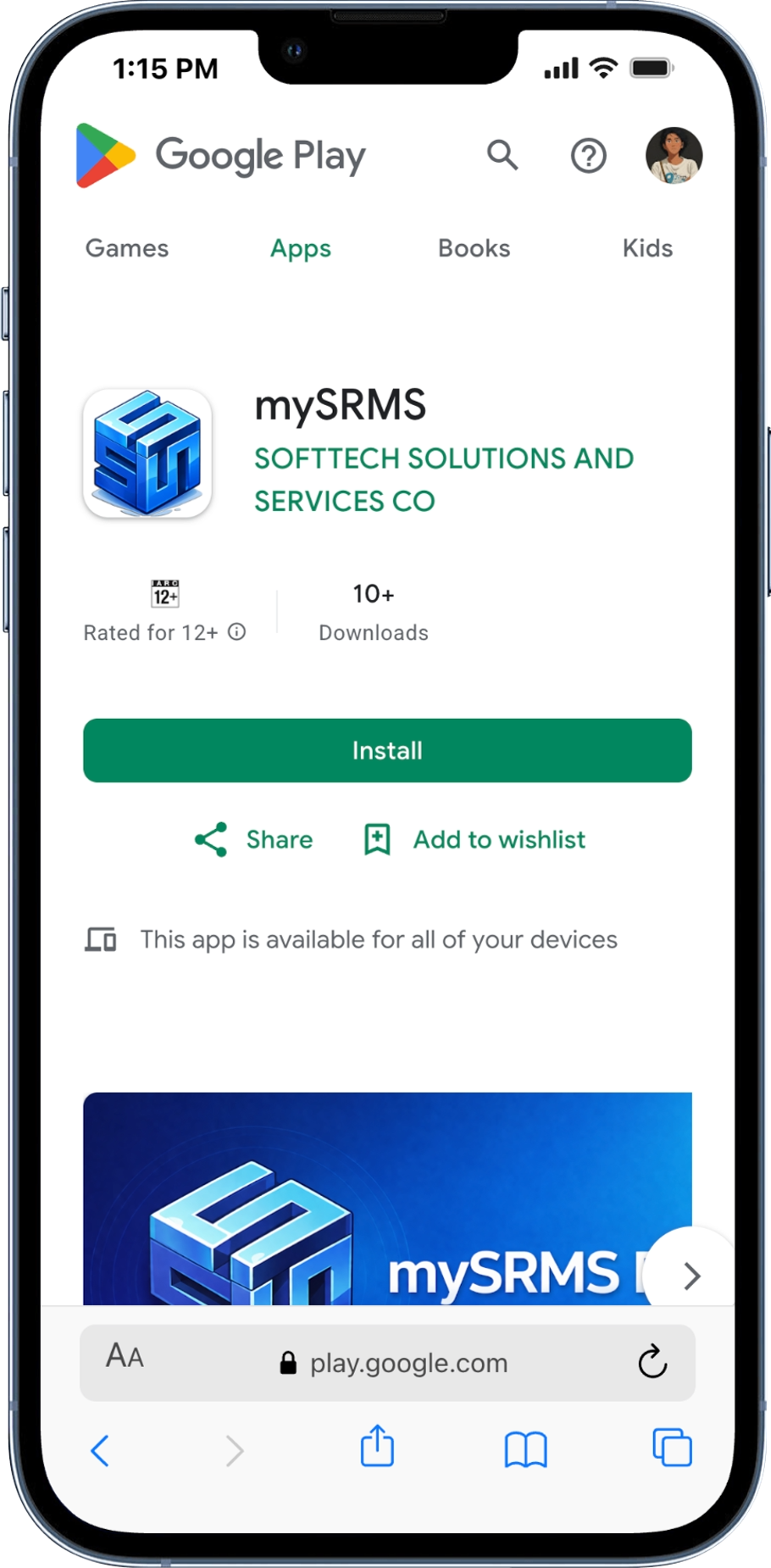
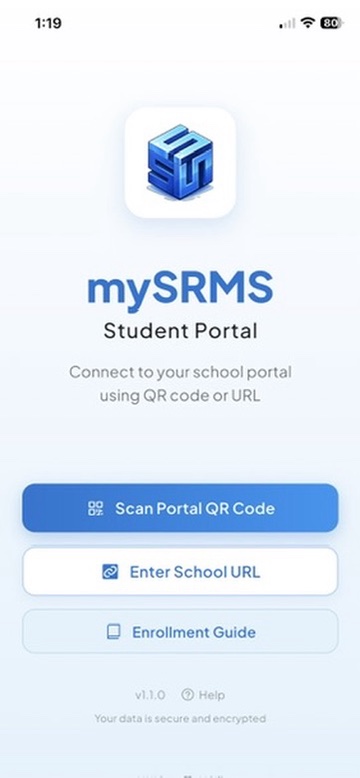
Install mySRMS from the Google Play Store, then open it on your phone to see the welcome screen.
2
Generate the QR on the web portal
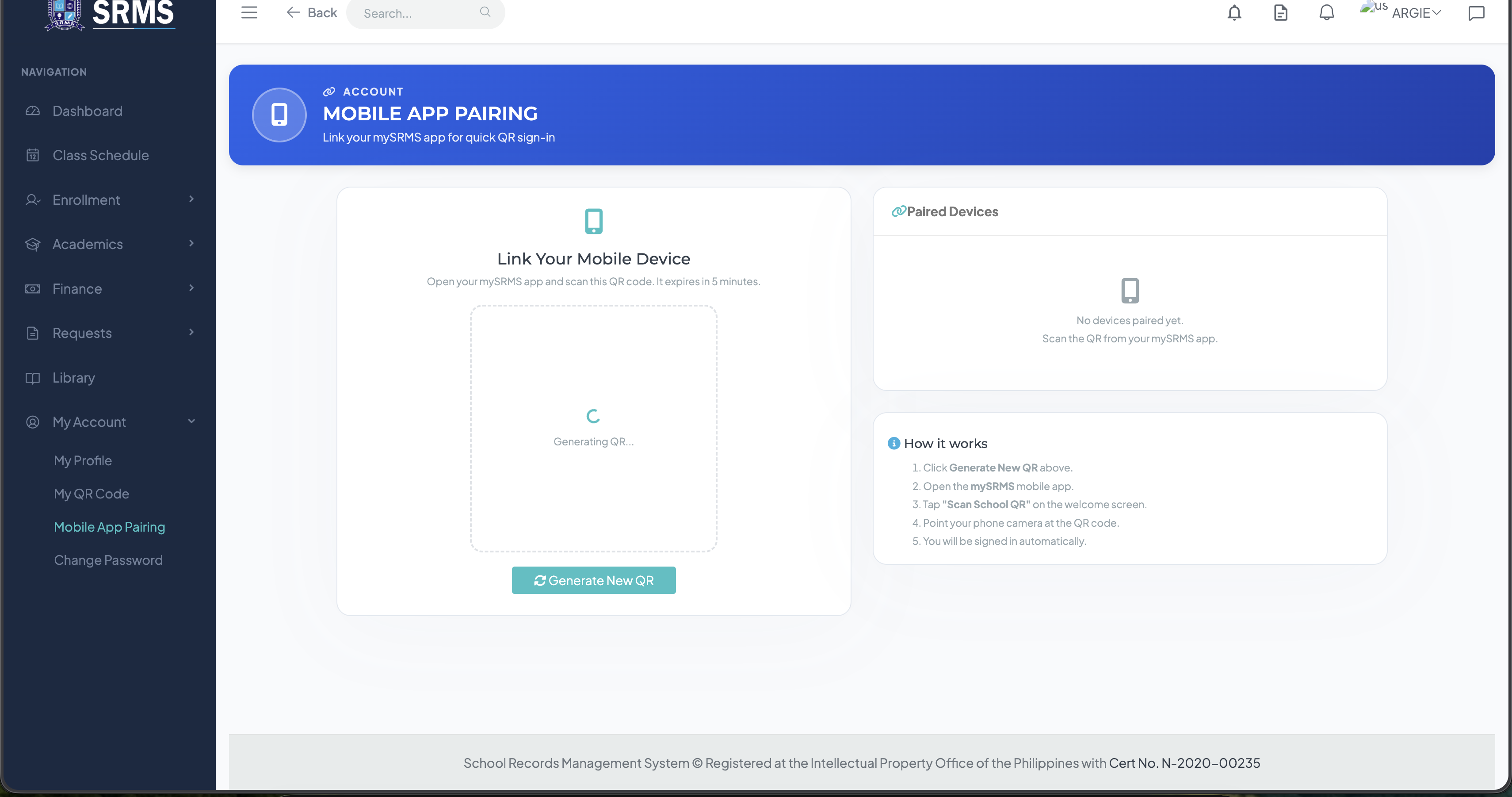
Sign in to the web portal on a browser. Open the sidebar » My Account » Mobile App Pairing, then click Generate New QR. (Click the image below to enlarge.)
3
Connect your phone
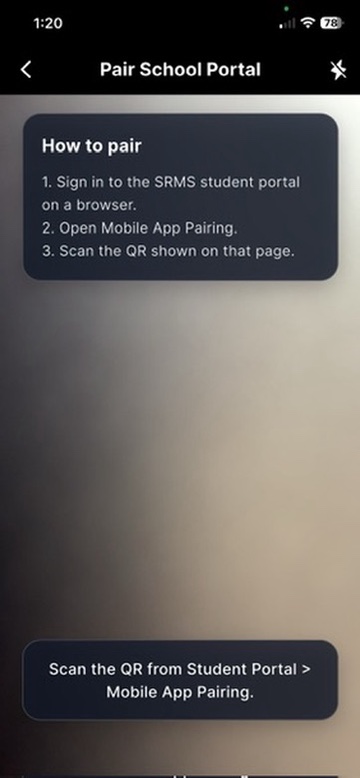
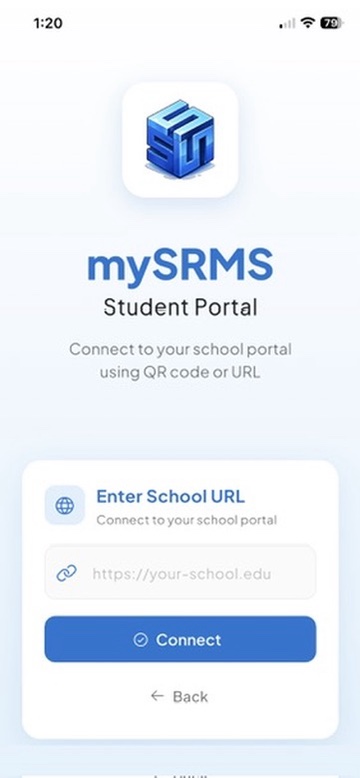
Tap Scan Portal QR Code on the welcome screen and point your camera at the QR. If you can't scan, tap Enter School URL and paste the portal URL below. Sign in using the same username and password you use on this web portal.
Portal URL
Instructor Note
Instructors can also log in to the mobile app, but do not expect full functionality yet because the instructor side is still under development.